Guide · 22 June 2026
Get started on a fixed tripod
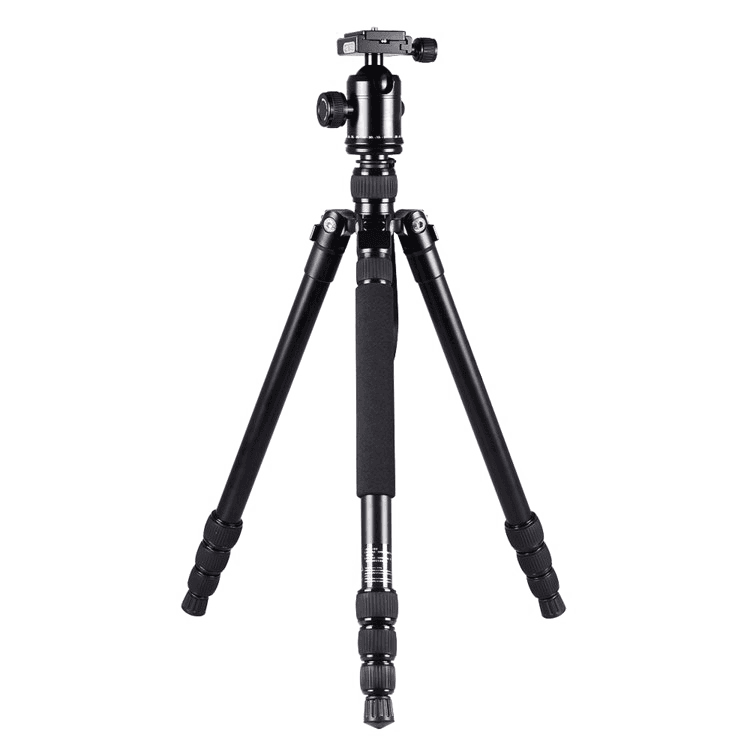 Tripod
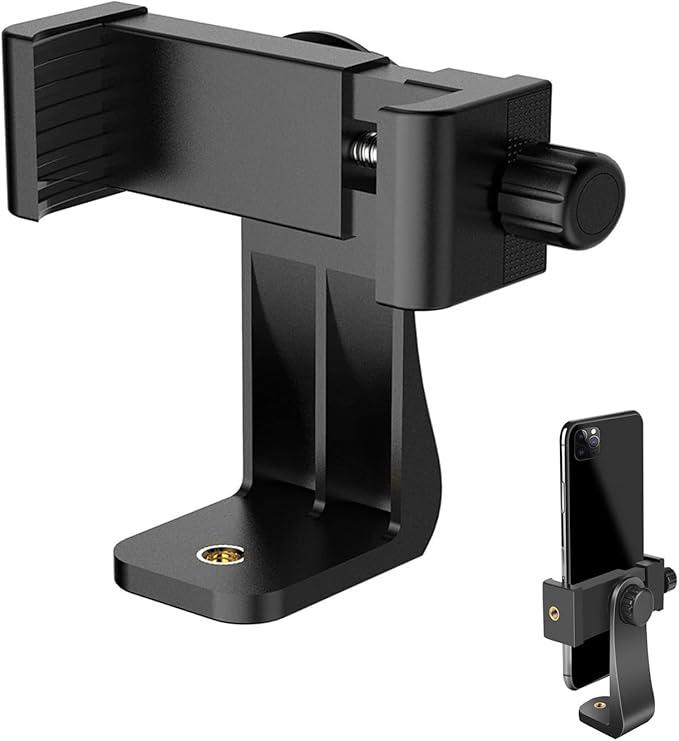 Phone mount
Step 1 of 4 · Gear
Check your gear
Make sure you have a standard tripod and a phone mount. Any model works, as long as the mount fits your iPhone and the tripod stands stable on the beach.
Step 2 of 4 · Setup
Pick a spot & position
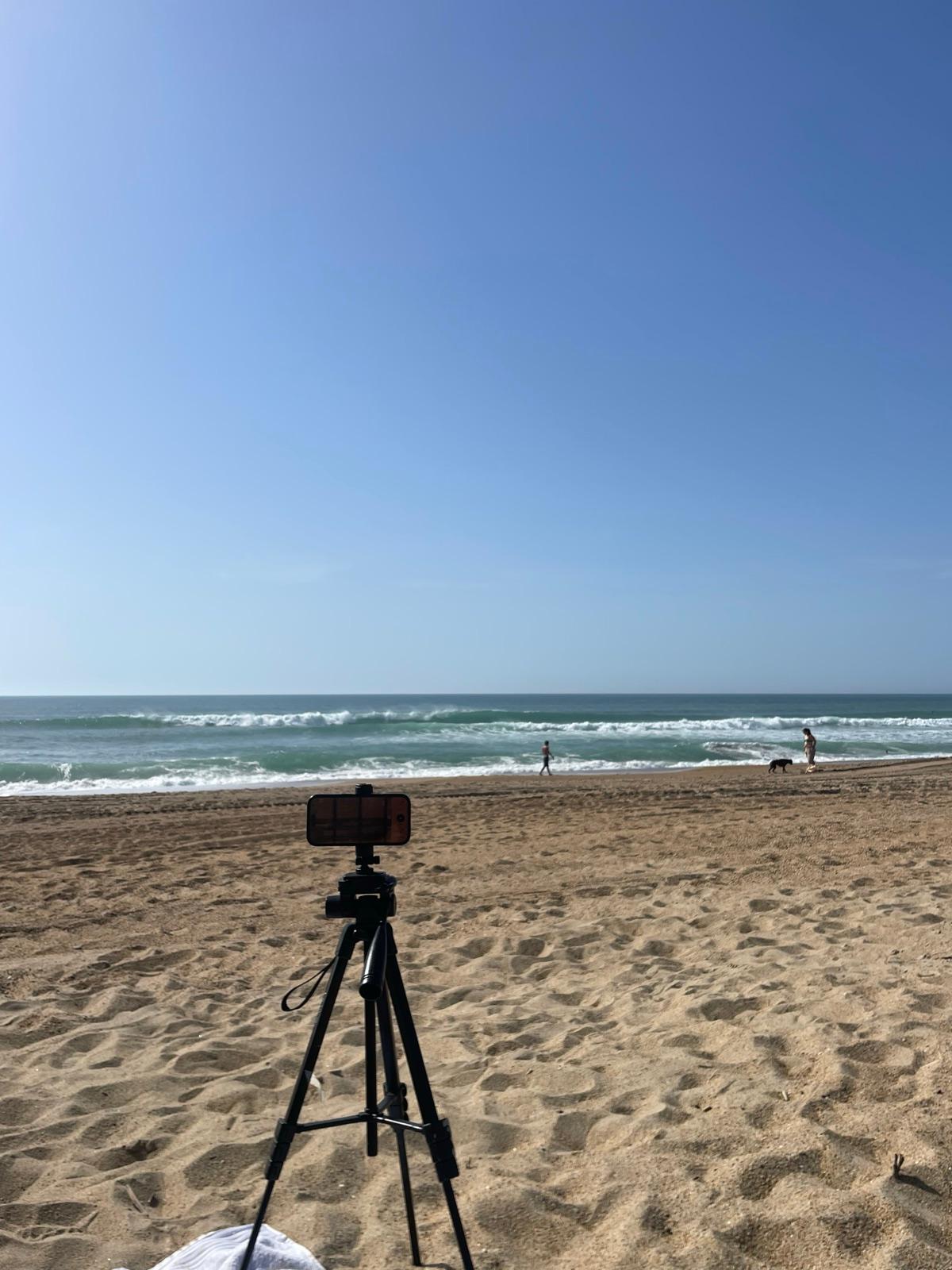
How to film yourself surfing without a cameraman ›Open Reeve and choose your surf spot. Place the tripod 50 to 150 m from the break at 1.5 to 2 m height, aimed at the surf zone. A wider view tracks better.
Step 3 of 4 · Record
Start your session
Tap New Session. The AI detects and tracks every surfer in real time. You can adjust detection settings before or during the session. Your iPhone saves a full video clip for every surfer riding, including you.
Step 4 of 4 · Review
Review your waves
Browse every detected wave, group surfers together, and filter out unridden waves. Tap a wave to identify yourself, tweak the crop for the best framing, then save or share your ride.