Pro tips · 18 June 2026
Get the best results
Tip 1 of 7 · Position
Position your tripod
Set up on the beach a little to one side of the surf spot, not straight behind it, and aim the camera diagonally across the lineup. Stand 50 to 150 m back, raise the tripod to about 1.5 to 2 m, and keep the whole break in frame. The side angle keeps surfers in view longer and makes tracking more reliable.
Tip 2 of 7 · Conditions
Adapt to conditions
At sunset, don't point the camera into direct sun. In the rain, use a waterproof phone cover. For wave pools, pick an angle with a clear view of the break.
Tip 3 of 7 · Battery
Power up for long sessions
A long session can drain your iPhone fast, so bring a power bank. Lock the screen between checks: Reeve keeps recording in the background, and the battery lasts up to twice as long.
Tip 4 of 7 · Security
Bring a buddy
If you can, ask a friend or family member to watch your setup. Someone keeping an eye on it is the simplest way to avoid theft, and they get to watch you surf too.
Tip 5 of 7 · Security
Surfing alone? Stay smart
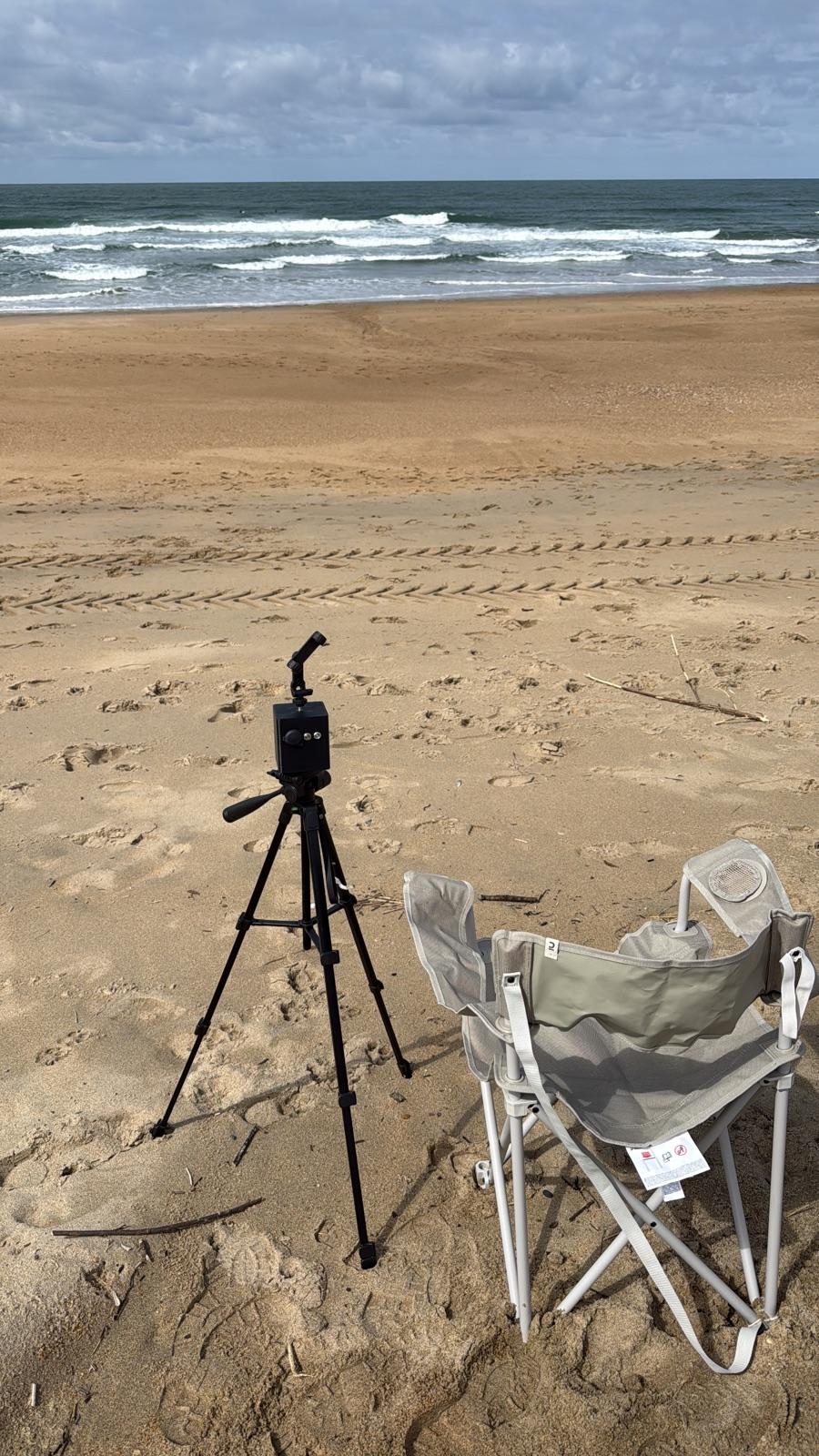
Pick uncrowded spots. Hide your tripod behind a bag, bike, or chair so it looks like someone's nearby. A movement alarm and a small cover tent help, and turn on Find My iPhone. No setup is completely safe, but the right precautions cut the risk a lot.
Model Notes iPhone 17 / 17 Pro Main + optical zoom iPhone 16 Pro Main + optical zoom iPhone 15 Pro Main + optical zoom iPhone 14 and below Close breaks only Tip 6 of 7 · Devices
iPhone compatibility
Reeve works best on iPhones with optical zoom: iPhone 15 Pro and later, plus iPhone 17. Older iPhones (14 and earlier) work but aren't fully tested, so quality is limited and they suit breaks close to the beach.
Tip 7 of 7 · Storage
Free up space regularly
Surf videos take up a lot of space, and a few sessions can fill your iPhone fast. Open your Library, look through your rides, and delete the ones you don't need. Keeping just your best waves frees up storage and keeps the app fast.